Table of contents
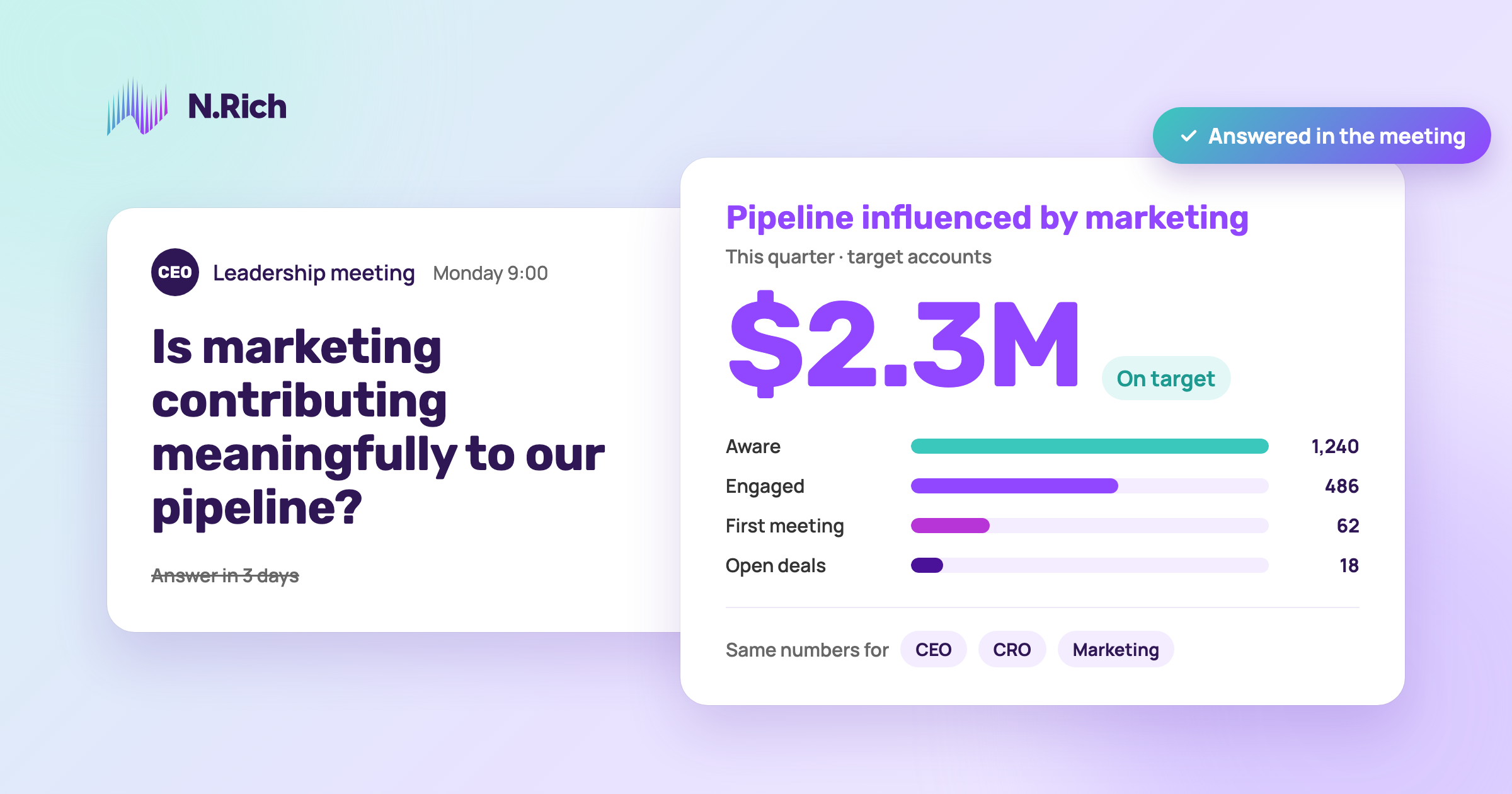
The switch rarely starts with a feature list. It starts with a renewal date and a question from the board: what did ABM actually produce?
If you can't trace that answer from ad to account to pipeline in a way the board trusts, the next conversation gets harder.
N.Rich is built around that question. Every account score shows the activity behind it. It charges for ads only when a target account engages. It syncs that context into the CRM your reps already use.
But a better platform is only half the job. The other half is the switch itself, and that is where most of the risk sits. Data rarely gets lost. Gaps open up instead. A LinkedIn campaign serves last quarter's accounts. A rep's favourite field freezes on a Friday. A quarter of reporting can't be compared with the one before.
This guide walks through the switch in order, with the gaps to close at each step.
Last updated 23 November 2026. 6sense details checked against its support pages on the same day.
The short answer
- Your target account lists, intent keywords, creative and LinkedIn audiences move with you. You rebuild each one in N.Rich.
- 6sense predictive buying stages and your 6sense intent history stay behind. Check your own contract for what happens to contact data you bought from 6sense.
- The 6sense score fields in your CRM stop updating. Workflows that read them need a new source.
- Run both platforms side by side, with both licences active. Decide what to replace before your 6sense notice date.
What moves from 6sense to N.Rich, and what stays behind
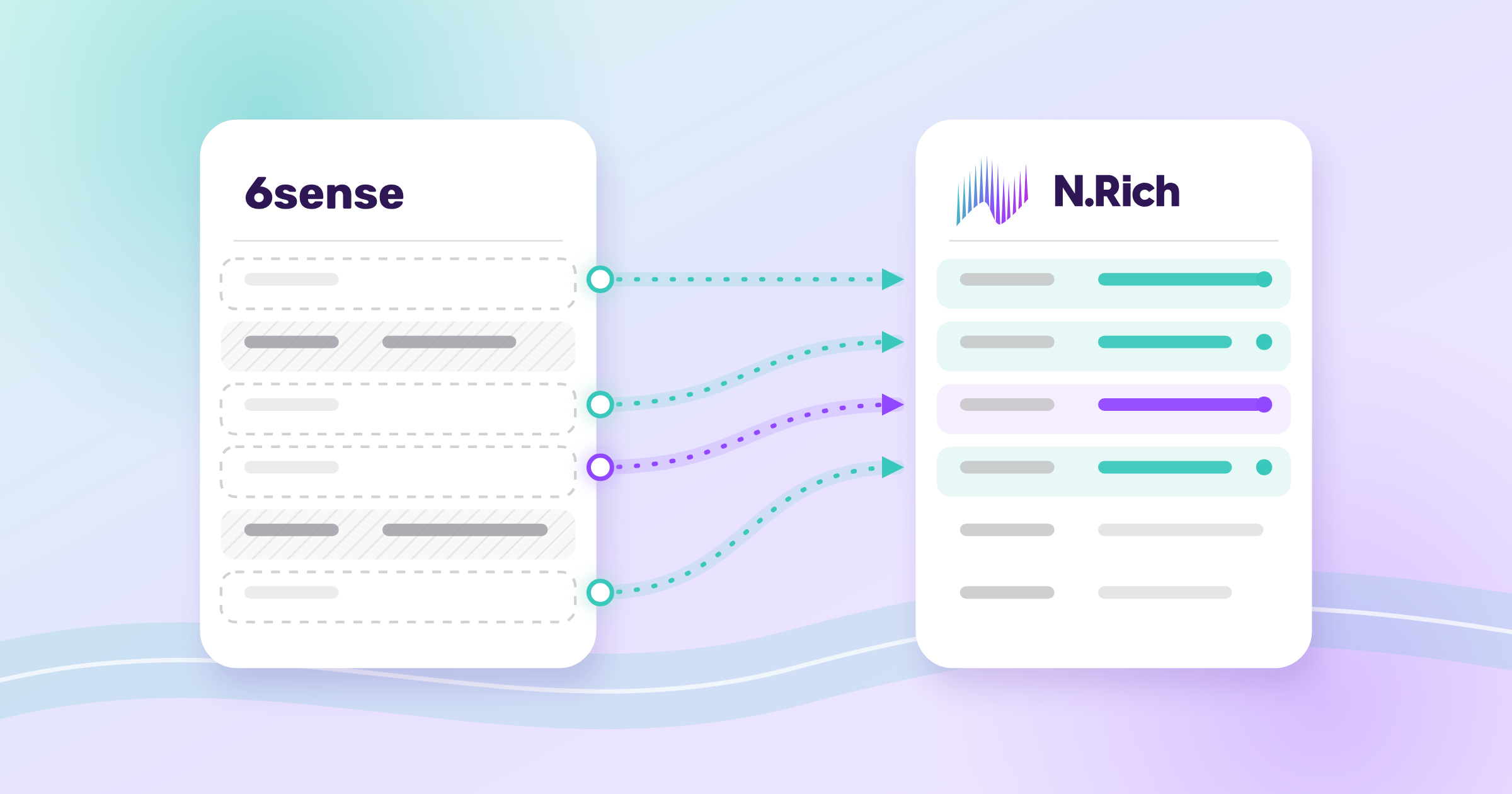
Most of what you built in 6sense is configuration, not data. Configuration is the work of deciding which accounts matter, which topics signal interest and which audiences see which ads. That thinking belongs to you, and it moves with you.
Model output and history are different. They stay where they were made.
| What you have in 6sense | Does it move? | What you do in N.Rich |
|---|---|---|
| Target account segments | Rebuild from your source list | Import the same CRM report or CSV that fed 6sense into an N.Rich account segment |
| Intent keywords | Map by hand | Match each keyword group to an N.Rich intent topic, and request any topic that is missing |
| Predictive buying stages and profile fit | No | N.Rich gives one 0 to 100 intent score and shows the first-party and third-party parts behind it |
| Intent and engagement history | No | Export the reports you need before cutover. N.Rich history starts when its tag and CRM sync go live |
| Score fields in your CRM | They stay, but stop updating | N.Rich writes its own fields: company properties in HubSpot, 34 Account fields in Salesforce |
| LinkedIn Matched Audiences | Rebuild | Sync the N.Rich segment to LinkedIn, then swap audiences campaign by campaign |
| Display creative | Re-upload | Resize to N.Rich's four formats: article, video, cross-channel and image display |
| Website tag | Replace | Install the N.Rich tag. Remove the 6sense tag when your contract ends |
| Contact data and sales intelligence | No | N.Rich works at account level and does not sell contact data |
Seven steps to switch without a gap in reach or reporting
1. Take an inventory before you change anything
Switches go wrong when something still depends on the old platform and nobody knew. Take the inventory before you build anything new.
- Find your renewal notice date in your own 6sense contract. That date sets your whole timeline.
- List everything that runs on 6sense: active campaigns, segments, LinkedIn syncs, orchestrations and alerts. Note which campaigns and syncs use each segment.
- Export your baseline. 6sense exports campaign analytics as a report. You can group it by campaign or ad and break it down by day, week or month. Pull the last two quarters.
- List every CRM workflow, report and alert that reads a 6sense field. Each one needs a new source in step 4.
This is also a good moment to settle one question. Who follows up on a hot account, and how fast? Agree the owner and the response time before the first N.Rich signal fires. A hot account that sales never touched is the number worth reporting.
Then test reach on your own list. N.Rich runs a free reach assessment before you commit. It checks that N.Rich can reach your target accounts and gives an indication of how much of the list it can reach. You see the result on your accounts, not on a demo dataset.
2. Rebuild your target account lists from the source
Start from the source, not from 6sense output. Your 6sense segments came from filters, a CSV upload or a synced CRM list or report. Use that same source in N.Rich, so both platforms work from one version of the truth. If a segment has no source list, rebuild it from its filters.
- In N.Rich, go to Segments and create an account segment.
- Select Import. Use Quick import for a plain list of domains, or the Excel import to bring in account names, CRM IDs and countries.
- Check the reach status. Each segment shows Low reach or OK reach, and each account shows a potential reach of Low, Moderate or High.
If your 6sense segments were filter-based, two other segment types help. Firmographic segments build a list from industry, employee count, revenue or keywords. Lookalike segments find accounts similar to a list you already have. You still choose which accounts go into each campaign.
3. Map your 6sense keywords to N.Rich intent topics
6sense intent tracking includes branded and generic keywords that you manage in its keyword settings. N.Rich tracks intent through topics.
Keyword lists tend to grow one urgent request at a time. Few teams ever prune them. A switch is the cheapest moment you will get to ask which keywords still describe your buyers.
- Copy your 6sense keyword list, including keyword groups and product categories.
- Group the keywords by theme. Many keywords usually fit a smaller set of themes.
- Match each theme to an N.Rich intent topic.
- Request any missing topic through the topic request form. Requested topics with enough traffic should become available, with no guarantee.
- Decide what to do with branded competitor keywords before you start.
N.Rich combines first-party intent (your website, your N.Rich ads, your connected LinkedIn page and CRM) with third-party intent from its data network and partners. It shows both parts of the score, and you set the weights in a custom report. Your own engagement is direct evidence, so weight it higher. N.Rich updates intent data once a week.
4. Connect your CRM before you disconnect anything
Picture a rep who opens an account on Monday morning. The score still says what it said on Friday, and nobody told them it stopped updating. That rep stops trusting the field, and possibly the whole programme.
So set up N.Rich in your CRM first, and retire the 6sense fields second.
HubSpot
- Use a dedicated admin user with a Core seat or above.
- N.Rich creates the company properties it writes to, and adds engagement to the company timeline.
Salesforce
- Use a dedicated user with a full licence.
- Create the 34 N.Rich Account fields before the first sync. N.Rich does not create fields in Salesforce.
- Salesforce sandboxes are not supported.
Both CRMs
- N.Rich connects one CRM at a time. Connect the CRM that holds your accounts and opportunities.
- The person who connects the CRM must be an admin in N.Rich.
- Sync runs on a schedule. Accounts sync about every 8 hours, intent and engagement data is written twice a day and intent scores refresh weekly.
What to do with the 6sense fields
- Keep them as a frozen record of the last 6sense scores, or hide them from page layouts.
- If the fields came with the 6sense Salesforce package, uninstalling the package removes them and their values. Fields you created yourself stay. Export the values first if you want to keep them.
- Re-point every workflow, report and alert from your inventory to the N.Rich fields. Tell sales which field to read from now on.
5. Move LinkedIn audiences without a gap
This is the quietest way a switch wastes money. If you pause a 6sense LinkedIn sync, the Matched Audience stays in LinkedIn but stops updating. Any campaign that uses it keeps serving on old account membership, so your budget keeps spending on last quarter's list. If you unsync the segment, 6sense deletes the audience in LinkedIn, and campaigns that use it lose their targeting.
In both cases, build the new audience before you touch the old one.
- Connect your LinkedIn Ads account in N.Rich and turn on sync for the segment.
- Wait for LinkedIn to build the audience. A new audience takes up to 48 hours. LinkedIn needs at least 300 matched members before it serves.
- Swap the N.Rich audience into each campaign.
- Turn off the 6sense sync for that segment.
N.Rich matches accounts by company domain and sends added and removed accounts on each sync. N.Rich does not run your LinkedIn ads. You keep running campaigns in your own LinkedIn account.
While you are in there, look at who your LinkedIn budget goes to. Spend it on accounts that already engaged elsewhere, not on always-on awareness for the whole list.
6. Swap the website tag
- Install the N.Rich tag. The simple install guide suits marketers who manage their own site. The technical guide suits a web team or agency.
- Add the N.Rich tag to your consent manager.
- Leave the 6sense tag in place while both platforms run.
- Remove the 6sense tag, often a Custom HTML tag in Google Tag Manager, when your contract ends.
7. Rebuild campaigns, then run both platforms side by side
You build and run campaigns yourself in N.Rich. Choose a target segment, set a monthly budget and add your ads.
| Formats | Article and video ads run on the N.Rich DSP. Cross-channel and image display ads run through Google. Ads show only to people at your target accounts. |
|---|---|
| What you pay for | An engagement: a 50% scroll of an article ad, 20 seconds of a video ad, or a click. The pricing page lists current plans. |
| Budget | Each campaign has its own monthly budget. Unspent budget rolls over automatically. |
Then let both platforms run side by side. Both licences are active during the overlap. Most N.Rich customers are fully onboarded and running campaigns within 30 days, which leaves time to compare before you decide.
| When | What happens |
|---|---|
| Before you sign | Reach assessment on your list. 6sense notice date confirmed. Baseline exported. |
| First 30 days | N.Rich tag live, CRM connected, segments imported, intent topics mapped, LinkedIn audiences syncing, first campaigns live. |
| Overlap | Both platforms and both licences run. Compare N.Rich against your 6sense baseline. |
| Before the 6sense notice date | Decide what to replace. |
| 6sense contract end | Turn off 6sense syncs, remove its tag and freeze or export its fields. |
Four ways a switch goes wrong, and how to prevent each one
Every one of these is predictable. Each one traces back to a step that got skipped.
A LinkedIn audience goes stale
You pause the 6sense sync first, and campaigns keep serving an audience that never updates again. Or you unsync it, and the audience disappears from LinkedIn. Build and swap the N.Rich audience before you touch either.
A workflow keeps reading a frozen field
Lead routing, alerts or a dashboard still read a 6sense score that stopped moving. Accounts stop reaching sales, and nobody notices for weeks. Re-point every workflow from your inventory before the renewal date.
There is no baseline to compare against
Three months in, someone asks whether the switch worked. Without an export from 6sense, you have nothing to set the new numbers against. Export your reports before access ends.
Hot accounts have no owner
The first strong signal arrives, and marketing assumes sales has it while sales assumes it is a marketing lead. Agree the owner and the response time in step 1.
What you get with N.Rich
The migration is admin. The reason you switch is what you can show afterwards.
- Every pipeline number traces back to account activity. You can see which accounts engaged, with which ads and pages, before an opportunity opened.
- You pay when a target account engages. If nobody from your target accounts engages, your ad budget does not get used.
- Sales sees the context in the CRM. Intent and engagement land on the account record reps already open.
- You report influence, not sole credit. Compare accounts your ads touched with accounts they didn't, across every deal source.
When to stay on 6sense
Switching is the wrong move if it would not solve a specific problem. Stay on 6sense if:
- your process runs on predictive buying stages, and the models are the core of how you prioritise;
- you buy contact data and sales intelligence from 6sense, because N.Rich works at account level only;
- your current model works, and sales and marketing already get the actions and reports they need.
A new platform also does not fix low sales adoption by itself. Assign an owner, agree which signals sales acts on and fit follow-up into the tools sales already uses. Test that workflow before a wider rollout.
Over to you
The switch has a simple shape. Take an inventory, rebuild your lists from the source and map your keywords. Connect your CRM before you retire the old fields. Swap LinkedIn audiences before you turn off the old syncs. Then run both platforms side by side, judge N.Rich against your own baseline and decide before your 6sense notice date.
The four failure modes all come from doing those steps out of order. Keep the order, and the switch stays boring, which is exactly what you want from it.
Bring your account list. Ask for a free reach assessment on your own target accounts before you decide. Book a call
Frequently asked questions
Can I run N.Rich and 6sense at the same time?
Yes. You can keep 6sense for predictive scoring and run your account advertising in N.Rich while you compare. Check your own 6sense contract for terms. N.Rich is an annual licence that includes a baseline ad spend commitment.
Will I lose my 6sense intent history?
It stays in 6sense. Export the reports you need before your contract ends. N.Rich builds its own history from the day its tag and CRM sync go live.
Do the 6sense fields disappear from my CRM?
They stop updating. Fields you created yourself keep their last values until you remove them. Fields that came with the 6sense Salesforce package are removed if you uninstall the package.
How long does the switch take?
Most N.Rich customers are fully onboarded and running campaigns within 30 days. Plan the full switch around your 6sense renewal date.
Does N.Rich have predictive buying stages like 6sense?
No. N.Rich gives one intent score from 0 to 100. It shows the first-party and third-party parts, and you can set the weights in a custom report.
Can I keep my LinkedIn audiences?
You rebuild them in N.Rich. Build the new audience, wait for LinkedIn to finish building it, then swap it into your campaigns before you turn off the 6sense sync.
Can I start with a pilot?
N.Rich does not offer a pilot or a contract shorter than an annual licence. You can test two ways before you commit. The free reach assessment runs on your own account list, and the N.Rich AI playground runs on demo data with no sign-up.
What does N.Rich cost?
The pricing page lists every plan. Ad spend is a separate line that adds to the licence.
6sense is a trademark of its respective owner, used here for identification only. N.Rich is not affiliated with 6sense. This guide uses published product information. 6sense information was checked against its support pages on 23 November 2026.
Create more pipeline and prove where it came from
Book an N.Rich demo and see how it works on your own data.
Book a demo
Josh is Demand Generation Manager at N.Rich, a former ABM consultant, and a firm believer that pipeline beats vanity metrics in every fight it's ever been in. He works across paid media, marketing ops and content, prefers building systems that create revenue over dashboards that describe it.
Table of contents
Stop building dashboards
Build apps that answer the questions your team actually asks. See what's possible in the N.Rich AI Playground.
Try the PlaygroundGet the next one in your inbox
We send new research, webinars and event invites about once a month.
Josh is Demand Generation Manager at N.Rich, a former ABM consultant, and a firm believer that pipeline beats vanity metrics in every fight it's ever been in. He works across paid media, marketing ops and content, prefers building systems that create revenue over dashboards that describe it.